Knowledge base structure

The structure of a knowledge base can vary depending on the tool used. However, since this guide is
based on
CogniVis, we will describe its structure in this lesson.
Knowledge Base as a library with shelves
The best way to imagine our knowledge base and its structure is as a library. I mean a classic,
physical library,
with wooden shelves and paper books.
CogniVis Docs (the CogniVis module responsible for the knowledge base) is a
digital
representation of a physical library.
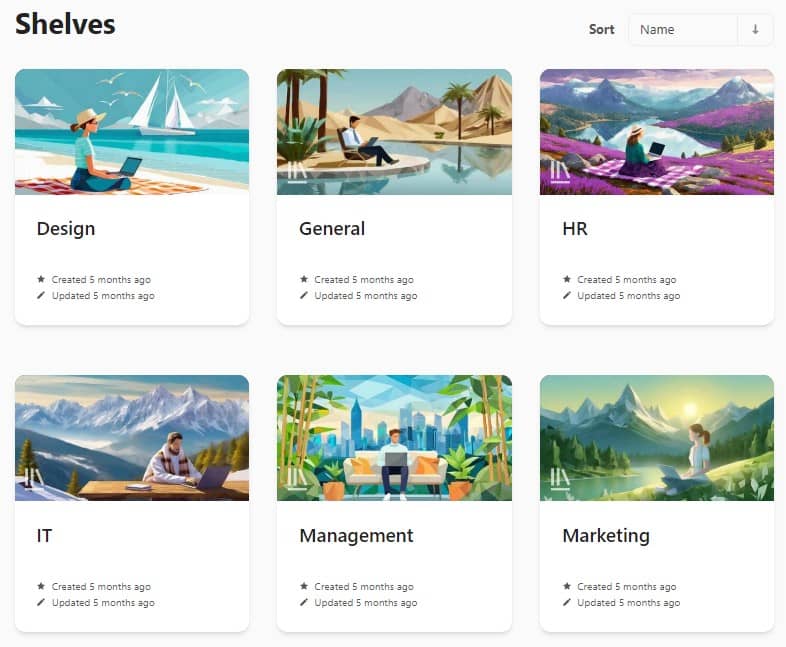
When you open it, you'll see... shelves.
Each shelf corresponds to a specific segment of corporate knowledge, such as marketing, IT, design,
and so on. This
is, of course, just an example division, and each organization should adapt this structure to its own needs.
Books
Then, when we enter a shelf, we are presented with... books.
Books are smaller elements of a given segment of corporate knowledge (i.e., a given shelf). For
example, entering
the "Marketing" shelf, we might find books like "SEO," "Social
Media," or "Branding." Each of these books contains more specific information about a
segment of corporate marketing knowledge.
Chapters
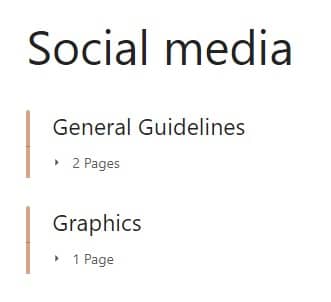
Just like in physical books, here we also find chapters. For example, entering the
"Social Media"
book, we would see two chapters inside:
- General Guidelines
- Graphics
Chapters are simply a smaller unit of our library's structure and are embedded directly in books.
Pages
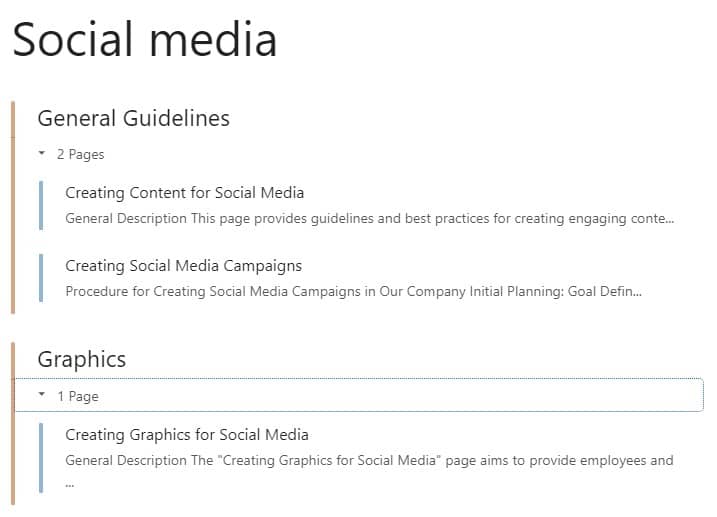
The smallest unit of the knowledge base structure is pages. They are embedded in
chapters
(although they can also be directly embedded in books).
In the image below, elements marked in blue are pages, and those in orange are chapters to which they
belong.
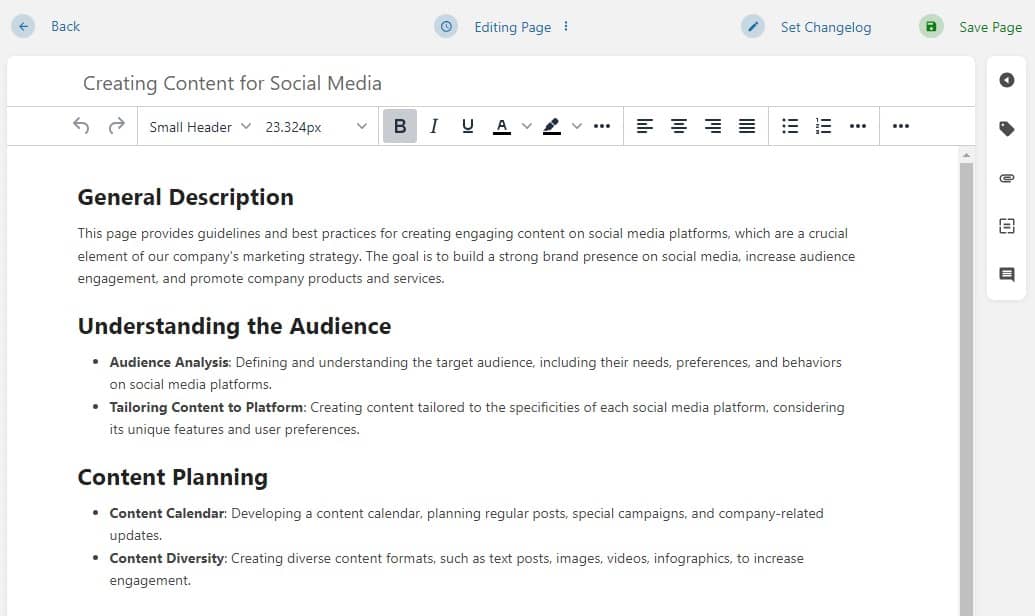
Each page is simply an individual document with a classic text editor.
In summary
The structure of the CogniVis Docs knowledge base is simple. If we imagine it as a library, the schema
looks as
follows:
Library > Shelves > Books >
Chapters
> Pages
Based on our tests, we've concluded that this structure is best for both humans and artificial
intelligence. It
provides an appropriate level of complexity and embedding of documents to maintain order, while preventing overly
complicated nesting that could reduce its readability and ease of use.