How to design your own knowledge base

First and foremost, it is crucial to thoughtfully plan the structure of our knowledge base
before we start
adding content.
If we begin creating documents without prior planning, chaos will quickly ensue, making it difficult
for both
humans and artificial intelligence to navigate.
Of course, the structure will evolve as our knowledge base grows. Changes in the future are
inevitable, but
regardless, we should make an effort to lay a solid foundation from the start.
Step 1 - Consider the shelves
Shelves are the largest units of our structure and are at the highest level in its hierarchy. We
should begin
designing our knowledge base by thinking about the shelves.
According to the most classic division, each shelf should correspond to a particular
department of the
company. In this scenario, we would create shelves such as:
- Marketing
- Human Resources / HR
- IT
- Design
- Management
- Finance / Accounting
- Logistics
- Production
- Customer Service
- Sales
- Legal
Of course, such a structure is not mandatory. Every company has its own needs and specifics, and
the
knowledge base should best reflect the structure of the company itself.
If you're unsure where to start, the above structure is a good starting point.
Step 2 - Create a dedicated shelf for general company matters
It's advisable to ensure that every piece of content finds its proper place in the appropriate book
and shelf.
However, occasionally, new content may fit into several different departments or even the entire company.
In such cases, do not duplicate content. That is, do not create copies of the same
page in
different books or shelves. This will cause maintenance difficulties in the future, as each change will need to be
updated in multiple places and discrepancies will eventually arise.
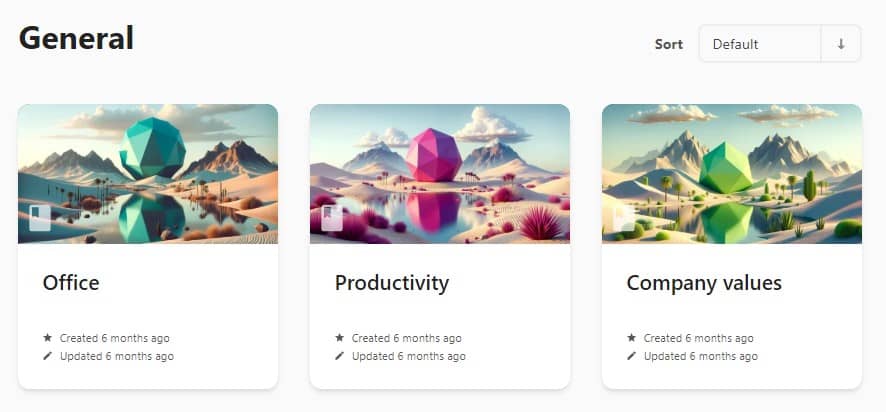
In this situation, create a "General" or "Company-wide" shelf and place content and data fitting more
than one
department there.
Step 3 - Think about the structure for each knowledge area and each
shelf
Once you have designed the high-level structure of the knowledge base, you should approach the
structure within
each shelf with similar diligence.
This is a very individual matter, but it is important that the division within each shelf be as
precise as
possible. This means that each book should correspond to a specific segment of corporate knowledge reserved
in that shelf.
Step 4 - If possible, ensure fluidity in chapters and pages
Physical books naturally maintain a direction and flow of information—we read them from the first page
to the last.
In digital document management systems that mimic books (like CogniVis Docs), this isn't necessary,
although if
such fluidity can be maintained, it's excellent.
This means that if the content you're adding to a book can maintain a linear structure (i.e., the
first page should
be read first, and the last page last), it's worth doing so.
For example, if you're creating a book with instructions and procedures for
onboarding new
employees, such a linear structure might be highly desirable. This way, the new team member will read all materials
and complete all tasks in the correct order, instead of tackling a task they can't complete until they have
familiarized themselves with a prior procedure.
However, sometimes a linear structure is neither possible nor necessary. If, for example, you're
creating a book
with content and data for the marketing team, then each page might be equally important and there is no proper order
in which to place them. And that's perfectly fine.
Remember that the structure of the knowledge base should meet the needs of your
company, not
fulfill abstract theories. The important thing is only that it is done planfuly and not to let chaos creep into the
documents.